Recently, while chatting with my friend Cristian Fernández Del Pozo, an idea came up: “We need an English version of your posts”.
The idea was appealing. But technically, it presented a nice challenge. My blog uses Astro, and more specifically the ClientRouter (the famous View Transitions) to offer ultra-smooth, SPA-like navigation with a persistent Header.
How could I offer a bilingual site, link translated articles together, and optimize SEO, all without breaking this fluidity and without page reloads? Here is how I built my own i18n system from scratch.
1. The structure: Separating content at the source
Rather than using sometimes heavy third-party libraries, I bet on the power of Astro’s Content Collections. I divided my src/content/blog/ folder into two subfolders: /fr/ and /en/.
For routing, I use dynamic “catch-all” routes ([...slug].astro).
src/pages/blog/[...slug].astrofilters and generates the French articles.src/pages/en/blog/[...slug].astrohandles the English version.
2. “Translation Mapping” (The secret)
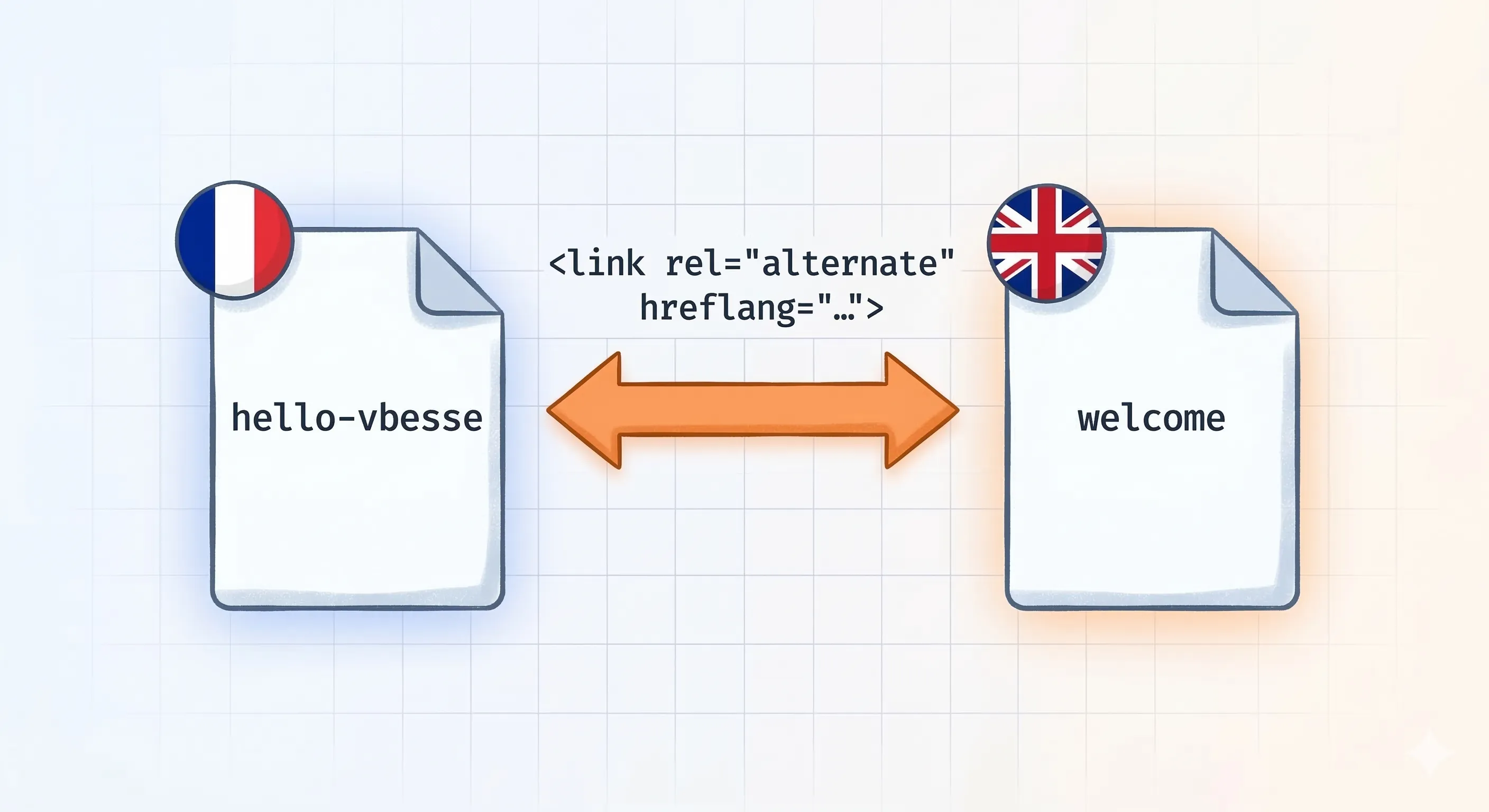
The biggest problem with a bilingual blog is the URLs. My French article is called hello-vbesse, but its English version is called welcome. How do I tell my site that these two pages are twins?
I added a translation field in my articles’ frontmatter:
---
title: "Welcome to vbesse.com"
translation: "hello-vbesse"
---
(Note: in the English version of the file, the translation field points to the French slug!)
In my [...slug].astro routing files, I retrieve this data to build the URL of the alternative article, and I pass it all the way up to my main Layout via Astro.props.
3. International SEO
Once the translation URL is retrieved in my <BaseHead /> component, I use it to inject a crucial tag for international SEO:
{translationUrl && (
    <link rel="alternate" id="alt-link" href={translationUrl} hreflang={locale === 'fr' ? 'en' : 'fr'} />
)}
This tag tells search engines: “Hey, if a French reader is looking for this article, here is the version you should show them”. I also took this opportunity to separate my RSS feeds into two distinct endpoints (rss.xml and en/rss.xml).
4. The Final Boss: The Header and View Transitions
This is where things get tricky. My <Header /> component is persistent. When navigating from one page to another, Astro replaces the content of <main>, but the Header doesn’t reload.
If I am on article A and I click on article B, my “Français” button in the menu would still point to the translation of article A.
To fix this, I wrote a small vanilla JavaScript script that runs on every page change thanks to the astro:page-load event:
document.addEventListener("astro:page-load", () => {
    // 1. Find the SEO tag generated in the Head
    const altLink = document.getElementById('alt-link');
    const customTarget = altLink ? altLink.getAttribute('href') : null;

    // 2. Update the language picker
    const frLangLink = document.querySelector('.lang-picker a[data-lang="fr"]');
    const enLangLink = document.querySelector('.lang-picker a[data-lang="en"]');

    // ... Logic to inject 'customTarget' into the button's href ...
});
The magic happens: On every navigation, the script silently reads the new page’s <head>, finds the translation URL, and updates the menu button. All invisibly to the user.
Conclusion
Making a site bilingual requires a bit of engineering, especially when you want to keep an SPA-like navigation. But by using native Astro tools (Content Collections, dynamic routing, and the ClientRouter lifecycle), you get an architecture that is robust, performant, and excellent for SEO.
A huge thanks to Cristian for the initial push. My blog is now ready to conquer the English-speaking web!